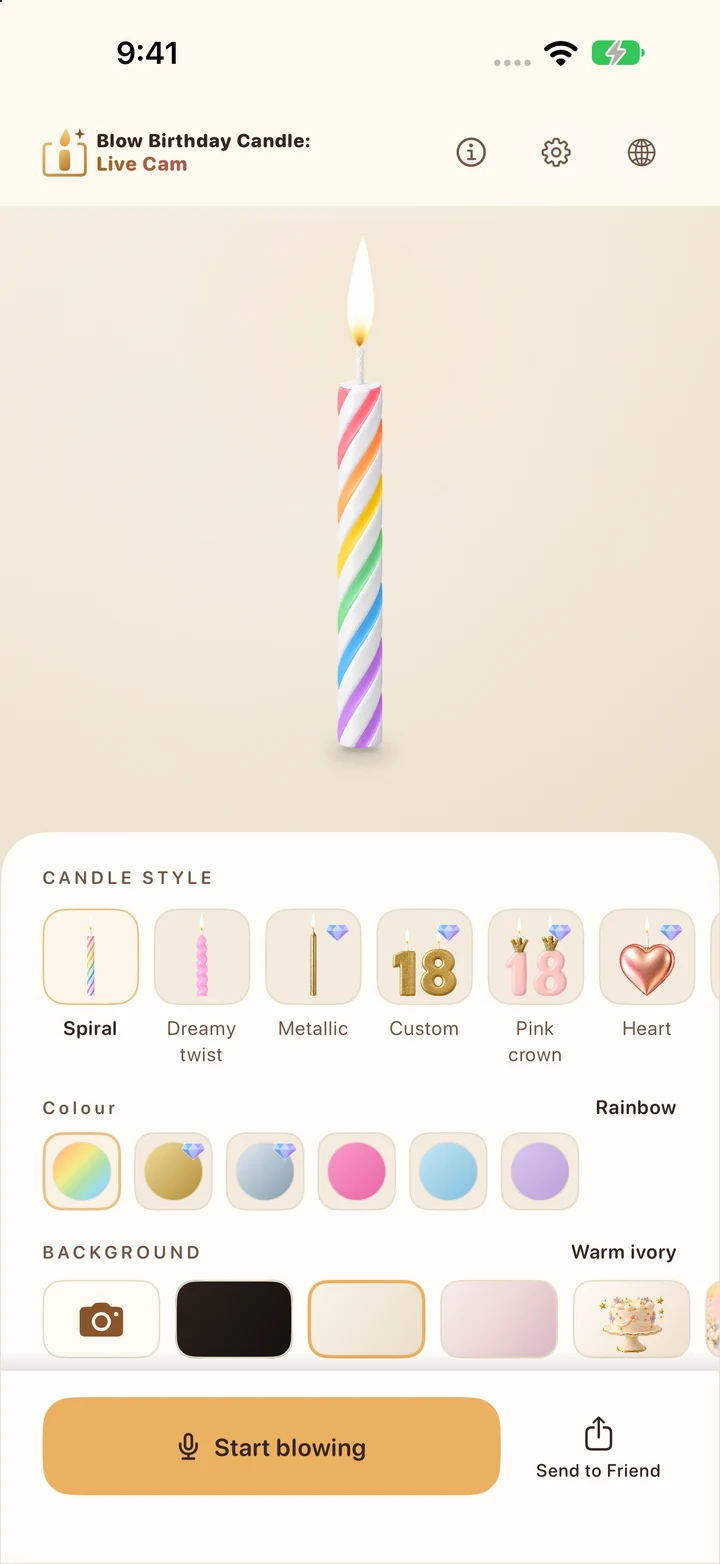
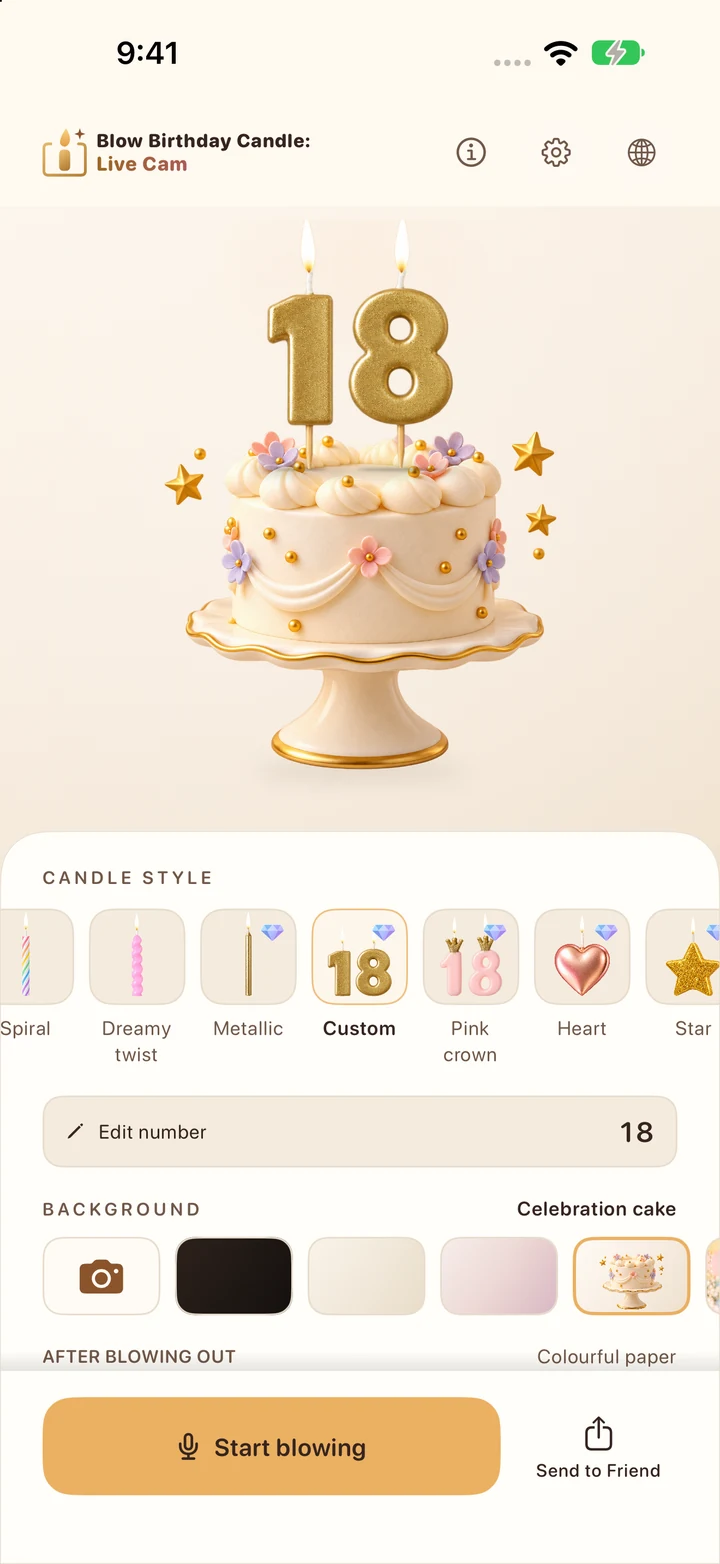
Choose a cake and candle.
Explore candle styles, colours and backgrounds. Add a cake, a sparkling sky or numbers from 1 to 999.
 Eagle Reach

Blow Birthday CandleLive Cam · by Eagle Reach
Birthday candles for iPhone
A virtual birthday cake and candle for your iPhone. Make a wish and blow out the flame. Add live camera or AR, then share a birthday photo or wish card.
Make it personal
From a simple rainbow twist to golden birthday numbers, build a scene that feels like you.
Explore candle styles, colours and backgrounds. Add a cake, a sparkling sky or numbers from 1 to 999.
Blow gently toward your microphone to put out the flame, or use the tap control. Relight whenever you like.
Capture a celebration photo, then choose whether to save it to Photos or share it with someone special.
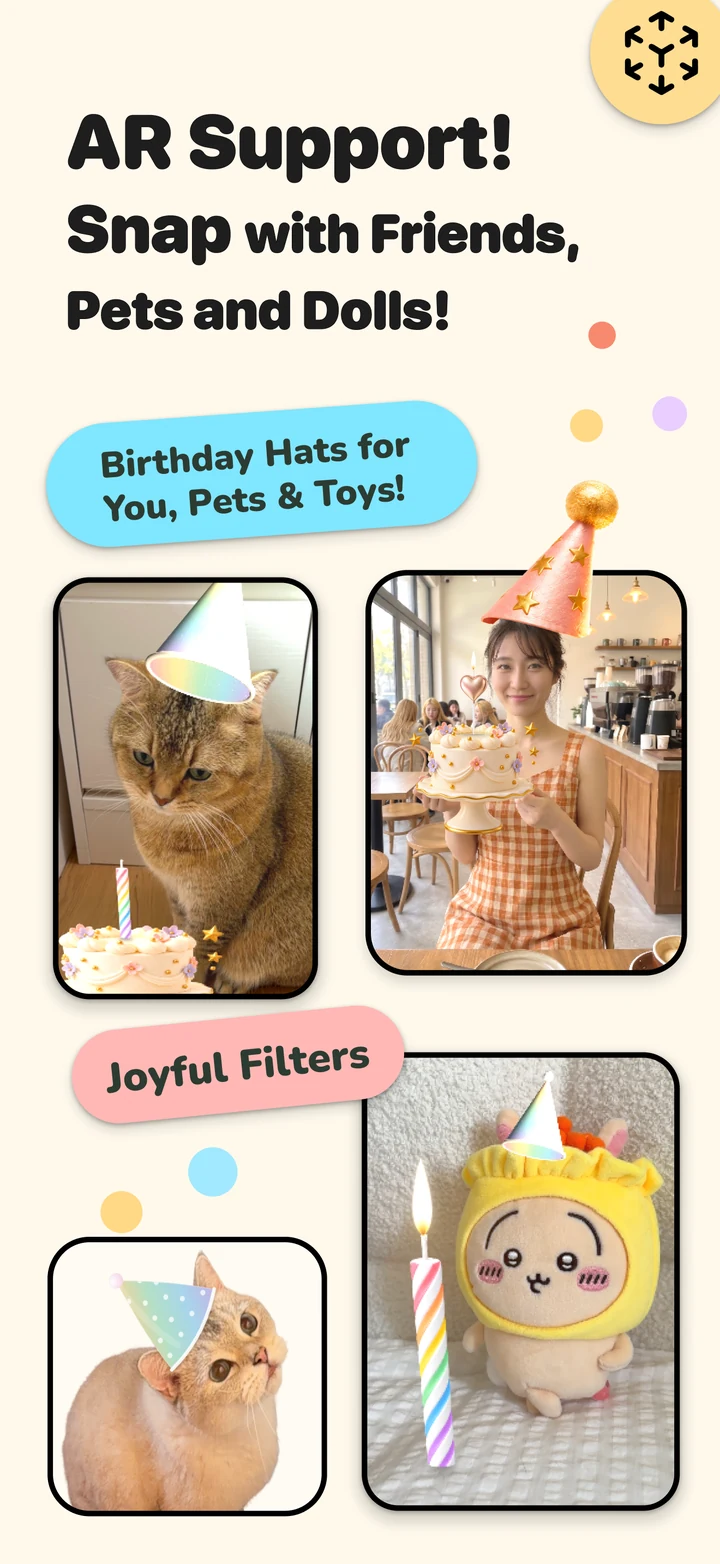
Bring the party into view
Use your live camera as the backdrop. On supported devices, switch to AR to place a candle on a surface and add birthday hats.
Prefer a simpler scene? Camera and Plain modes keep the celebration going without AR.
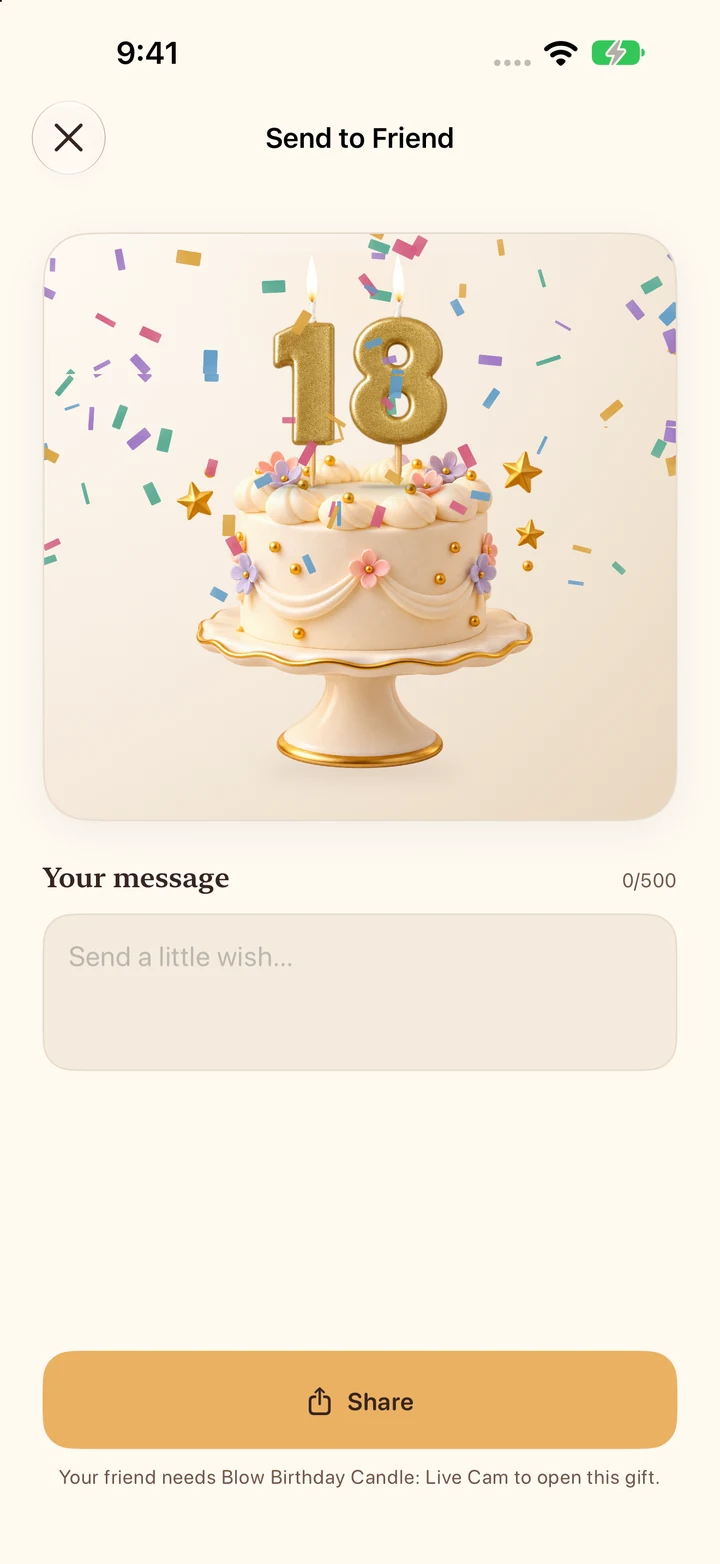
Send a little love
Write a message, choose your candle scene and send a personal birthday card through an app you choose.
A friend with the app can open your received design — including Diamond designs — for free. A gift unlocks that scene, without giving ownership of Premium.
Birthday candle app questions
Choose a candle and background in Blow Birthday Candle: Live Cam, start the scene, then blow gently toward your iPhone's microphone. Allow microphone access for blow detection, or use the tap control without it. You can relight the candle and make another wish.
Yes. Choose a virtual birthday cake and add a candle or number design from 1 to 999. Make a wish, blow out the flame and capture a celebration photo, all on your iPhone.
No. Both permissions are optional. Use a plain background without camera access, and tap to blow out the candle without microphone access. You can change permissions in iPhone Settings.
On a supported iPhone, switch to AR in the live camera experience to place a virtual candle on a detected surface. AR needs suitable surroundings; Camera and Plain modes are available when AR is unavailable. The app requires iOS 17 or later.
Write a message, choose a candle scene and share a personal birthday card through an app you choose. A friend with Blow Birthday Candle: Live Cam can open the received scene for free, including a gifted Diamond design. Opening a gift does not unlock other Premium designs.
No app account is required. Microphone audio and camera processing stay on your device. The iOS app has no advertising or third-party analytics.
Choose Restore purchases in Settings → Premium or on the Premium offer, using the purchasing Apple Account. Manage or cancel Monthly in Apple Account subscriptions. Deleting the app or buying Lifetime does not cancel Monthly.
Arabic, English, French, Italian, Japanese, Korean, Spanish, Thai and Traditional Chinese.
The public app is currently available for iPhone. There is no public Google Play release yet.
Blow Birthday Candle: Live Cam